When a photo moves through a message, form, or shared folder, the visible image is only part of the file. Depending on the source and the path, the file can also include location, camera and capture information, editing history, and other fields.
Inspect the photo before choosing what to do.
The useful first question is not “is this photo private?” but “what would this particular share carry?” Review the selected asset, identify the categories that matter, and keep the original available for your own library.
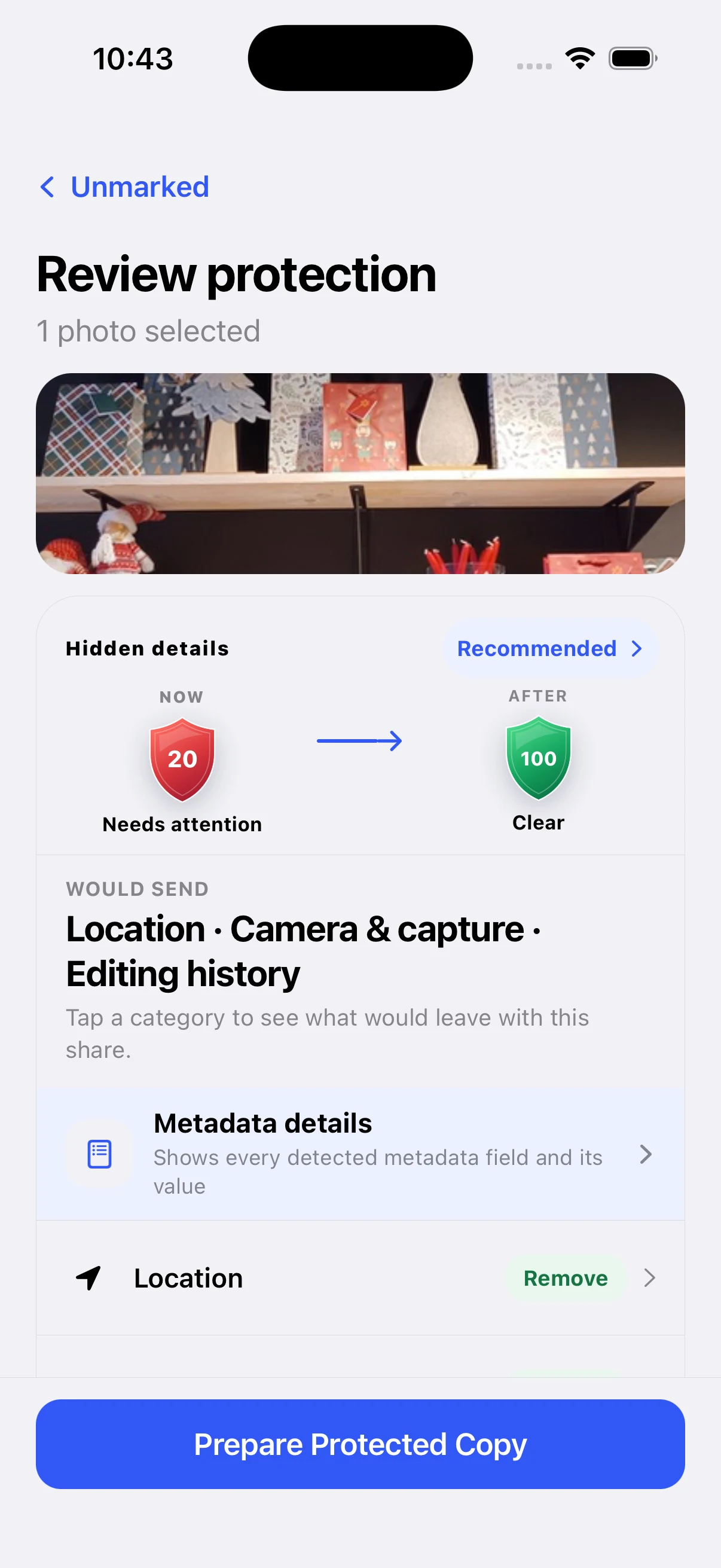
Make a new copy, not a destructive edit.
A safer handoff keeps the source and the shared version separate. That means you can remove the details you do not want to send without silently changing the original in Photos or Files.
Verify the result before it leaves.
The final step is part of the privacy decision: confirm what was removed, where the new copy will go, and which destination you are about to use. The point is not to make every share complicated; it is to make the consequential ones understandable.
Want a visible protection step?
Unmarked shows what travels, prepares a protected copy, and leaves the original unchanged.